
Calendars
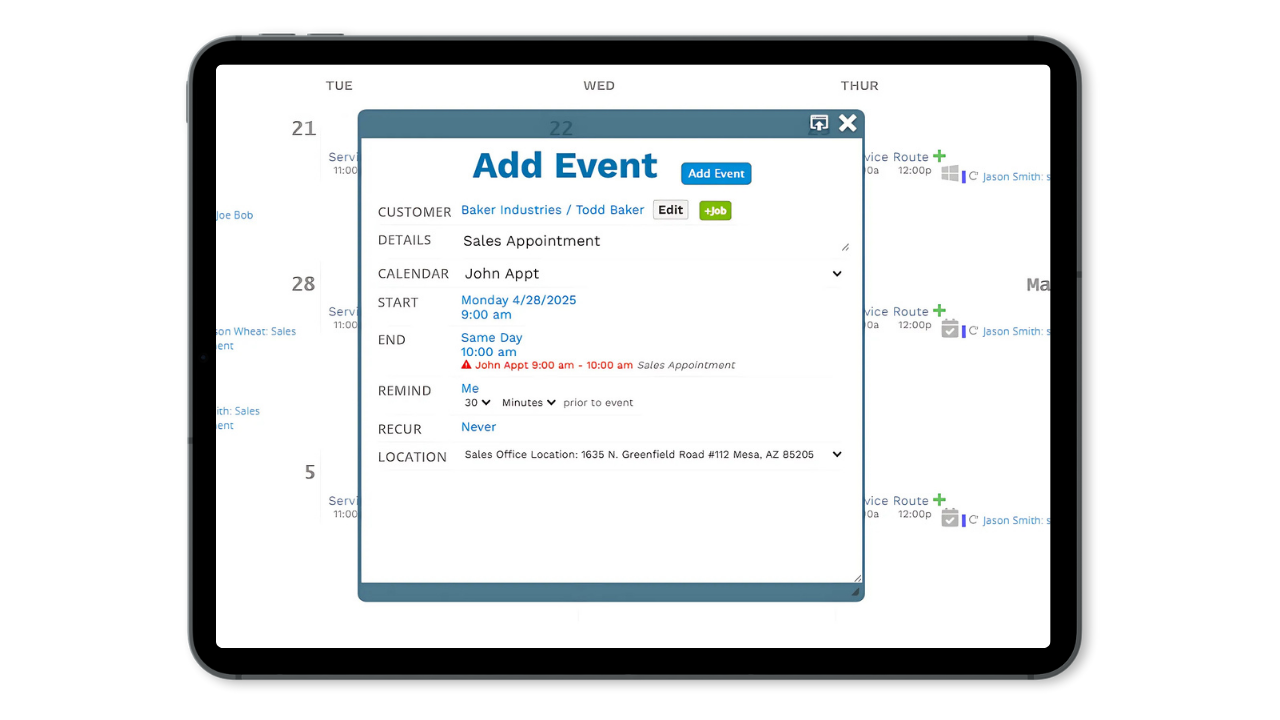
Calendar Events Linked To Jobs
Calendar events in ProDBX can be automatically tied to the right customer and job, so your scheduling stays clean, connected, and totally chaos-free.
- Link events directly to specific customers, jobs, or both
- Instantly access job details, notes, and contact info from the event
- See scheduled events right from the customer or job record
- Keep your team in sync with shared visibility and assignments
No-Hassle Booking Links
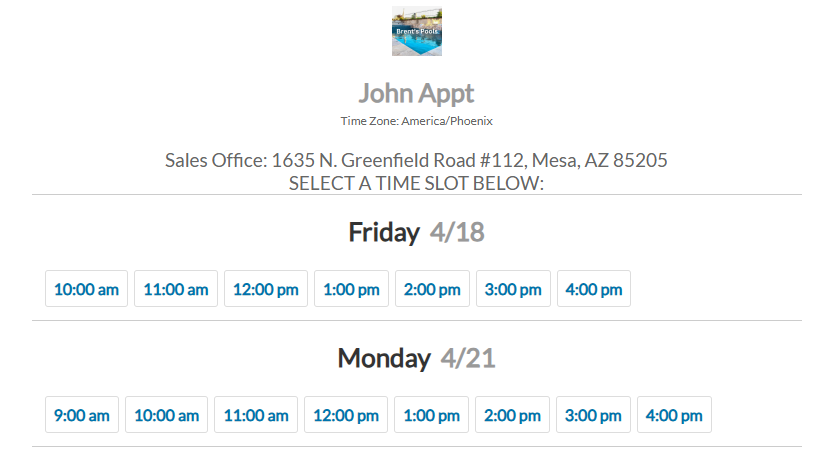
Send a booking link, let customers choose a time that works, and watch appointments appear on your calendar like magic.
- Share a personal or team booking link with anyone
- Customers pick from your live availability—no calls or emails required
- Booked appointments automatically sync to your ProDBX calendar
- Events are linked to the customer who booked—no extra steps
Routing
ProDBX builds your daily service routes automatically based on scheduled appointments—no whiteboards, no spreadsheets, no stress.
- View scheduled jobs on a live map directly from the calendar
- Automatically optimize routes based on job locations
- Assign routes to specific team members or crews
- Divide stops based off of geography, time frame, or user
Recent Activity GPS Tracking & Dispatch
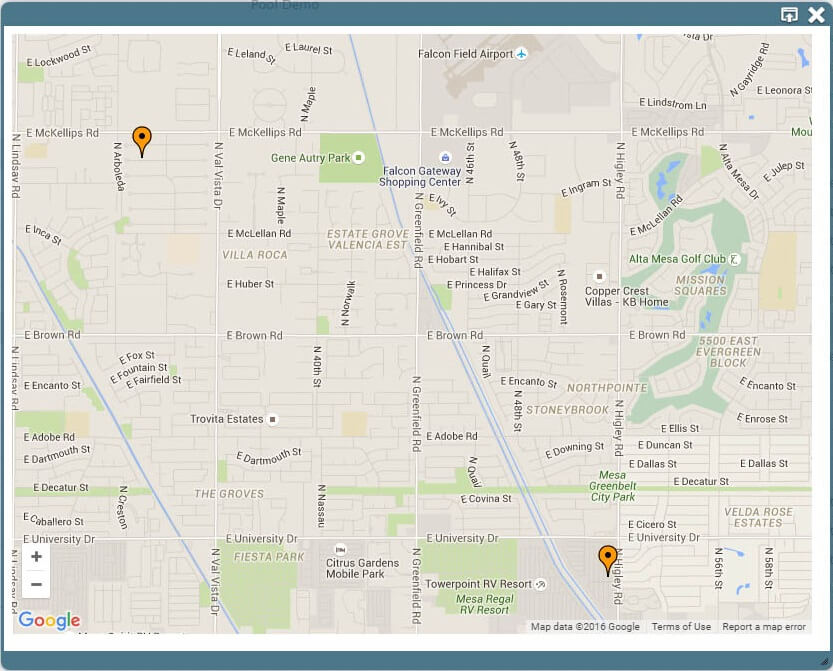
GPS tracking of last location for all users while logged in using their tablet or smartphone GPS devices. At a glance, easily view all of your users’ most recent locations using ProDBX embedded Google Maps feature.
- View GPS locations of all active users based on their most recent activity.
- Adjust user routes for your users live and on-the-fly.
- Easily add or remove additional stops in real-time.
- User routes are updated instantly and without interruption.
Reminders and Invites
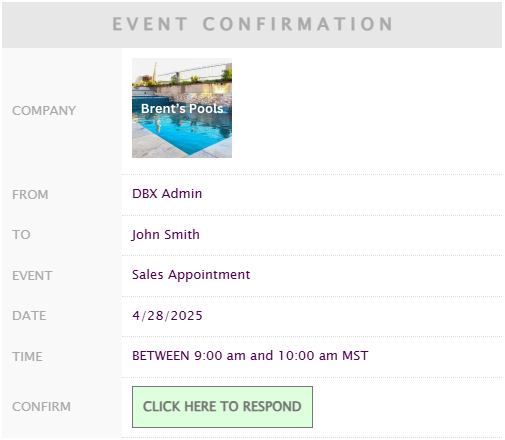
ProDBX keeps everyone in the loop with automatic event reminders and the ability to invite other users to calendar events..
- Send automatic reminders to customers or internal team members
- Customize reminder timing—hours or days in advance
- Track who’s been notified and who’s confirmed
- Reduce no-shows and keep your whole team aligned

Linear Scheduling – Grid View
Manage your fence jobs and crews more efficiently with Grid View. This calendar layout shows your scheduled work in a clear, linear timeline, making it easier to track multi-day projects and coordinate multiple crews.
- See all jobs laid out over time for easy planning
- Quickly identify crew availability and overlaps
- Manage multi-day installations and repairs
- Coordinate multiple calendars in one clear view
- Minimize scheduling confusion