

Why is ProDBX the best fence contractor software?

All-in-one Fence Contractor Software
What Our Fence Customers Are Saying
See how fence companies are using ProDBX Fence Software to streamline operations, scale their business, and provide top-tier customer service.

Tim Long
"With ProDBX we have significantly grown our business and now handle 10X the number of active jobs. Our partnership with ProDBX and their team has contributed to our success."

Adam Slagle
"DBX has always gone out of their way to support us and help us streamline our operations. The DBX automation modules have drastically improved our communication and follow up with our customers which has both helped cut down on our labor costs and allows our employees to see real time customer and job statuses. We definitely feel we have an edge over our competitors."

Mario Berrios
"ProDBX is an excellent program that has help us bring order into a cluttered desktop. It has also allowed us to elevate the way we do business. It’s a field service software that allows you to focus on running your business, so the workweek isn’t running you!"
What features does ProDBX have for Fence Contractors?



Exclusive Fence Company Features

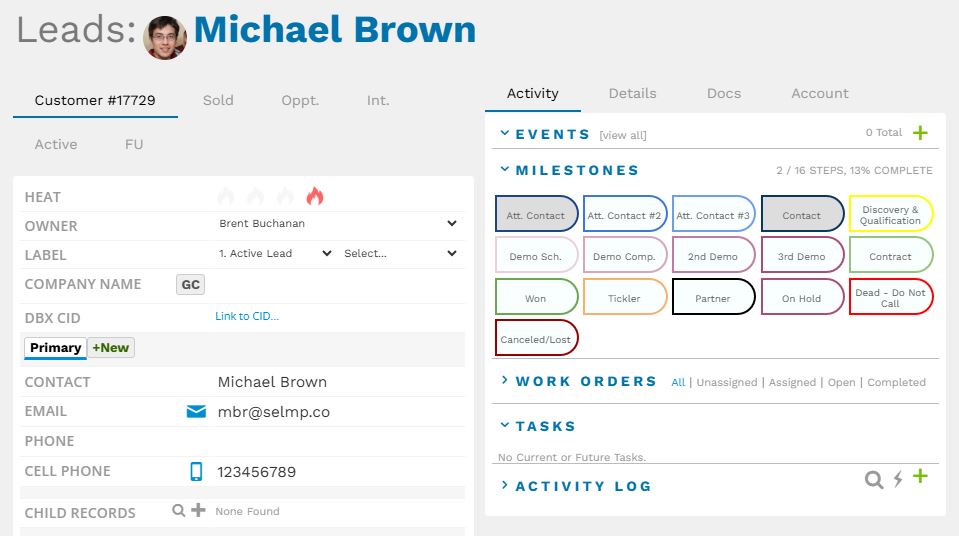
Fence Estimating
Quick Estimates
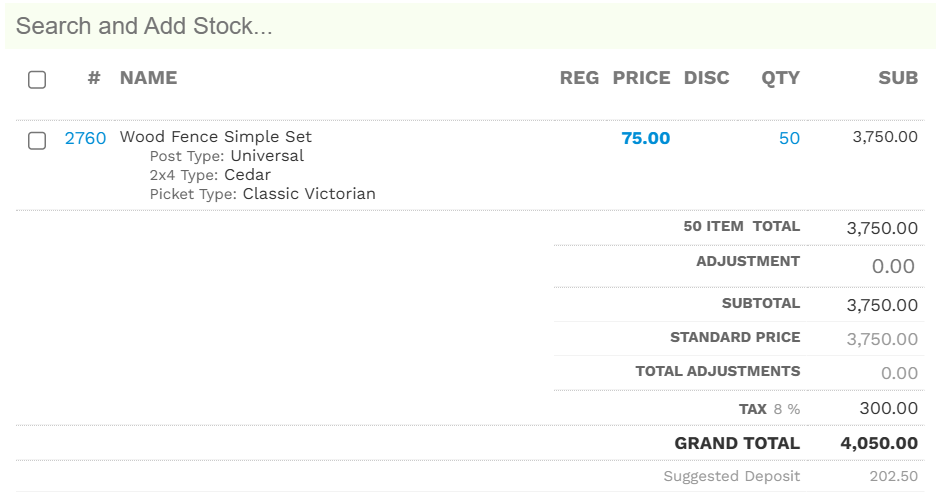
Using ProDBX your sales reps can build estimates in a matter of seconds. ProDBX allows you to create custom sets to house products and services. These allow your sales reps to select from your full-range of options and quickly estimates the cost of a project.
Instant Quotes
When a an item is added to an order or a job, ProDBX will automatically use all of your pre-designed settings to create a visually appealing price quoting engine for your sales reps. No copy-and-paste. No double-entry. No need to use third party programs.

Find Out if ProDBX is Right for You

Each work order can then be assigned individually, or by setting up default automatic assignment. Commissions, quantities, and expected due dates for each work order can also be updated easily at any time.
New work orders, such as a trip charge, can be added to any existing work order without the hassle of preparing separate addendum.
Progress payments, either based off a percentage of job completion or a set dollar amount, can be setup to trigger at completion of specific phases or work orders.
Assign
Once a work order is assigned, foreman and even entire crews are notified immediately via text or email.
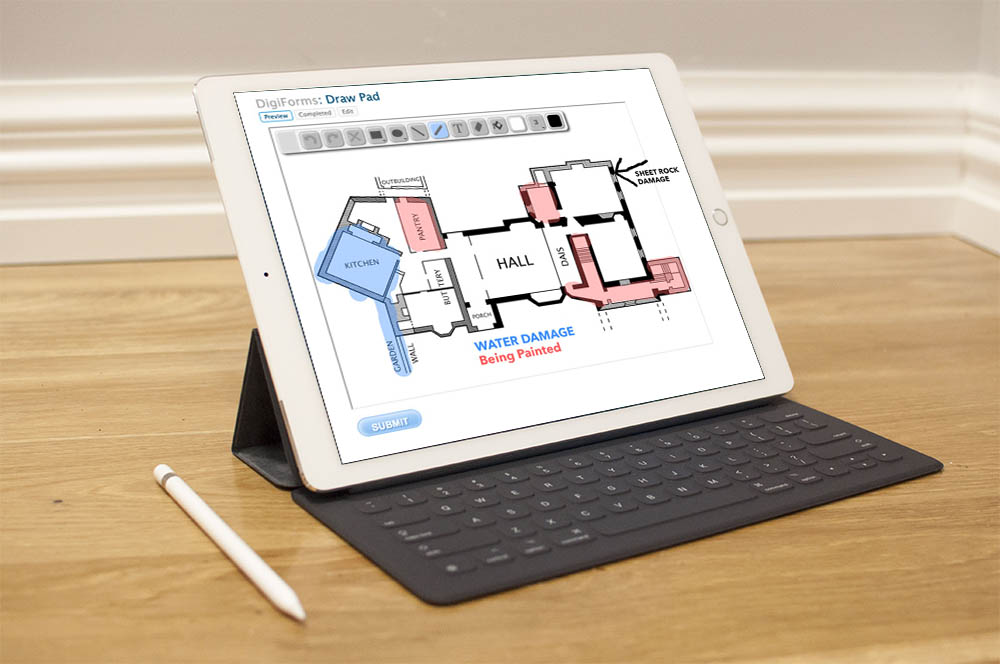
By using ProDBX, your crews can easily update their progress, create work order specific tasks and notes for other users, view their commission and pay, and take job-site photos using their phones or tablets which are automatically stored with that job’s documents.
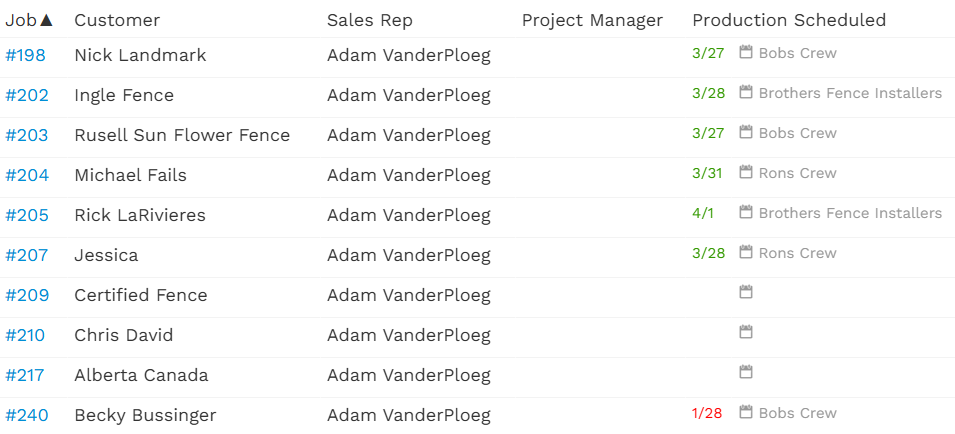
Manage
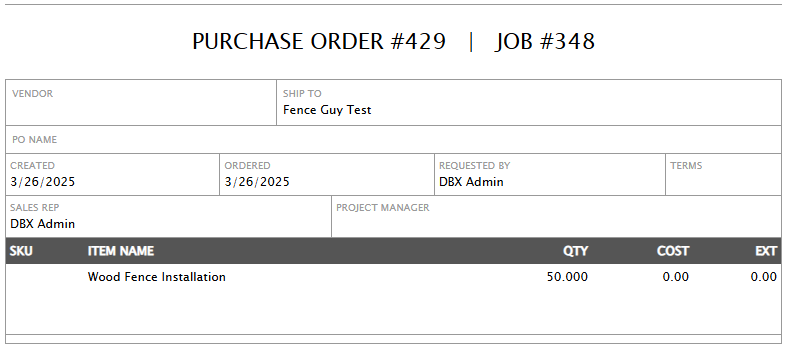
Using the ProDBX Project Management Dashboard, easily view, track, and update all of your open fencing jobs at a glance.
View each phase’s progress individually, reassign, and update work orders and due dates in one place.
Dashboards are also customized to fit your company’s needs, including color coding phases and work orders, or adding custom fields and other helpful information.
Customer Interface
With the ProDBX Customer Portal, customers can easily log in and follow along as their fence progresses.
All you need to do is specify what you would like your customers to view – including specific photos, drawings, invoices, progress payments, and due dates for different phases.
All items, including your before and after photos attached to your invoice, can also be sent directly to the customer or insurance company upon completion of a job.
Payroll
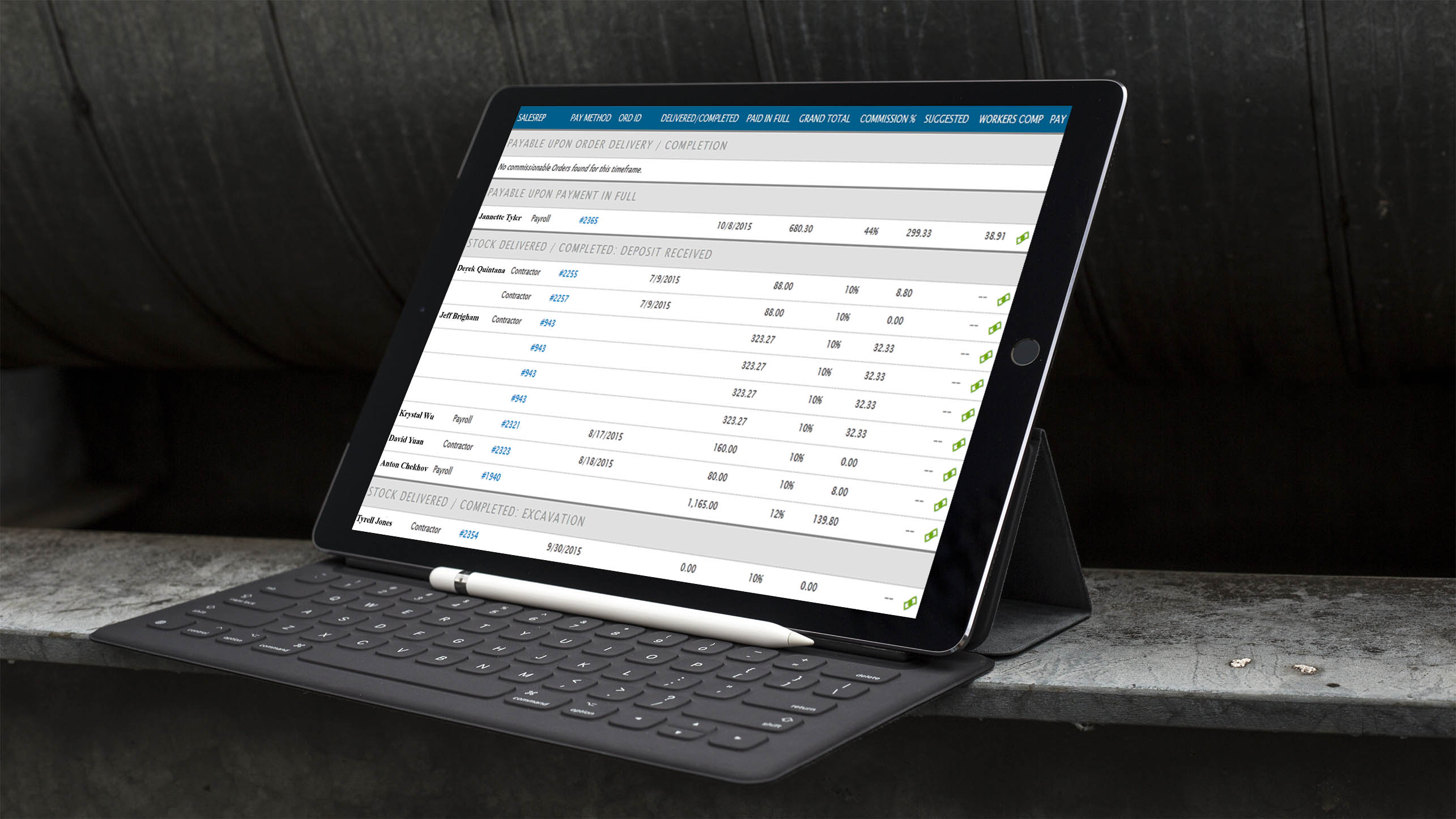
As work orders are completed, all commissions flow directly into the ProDBX Payroll App.
ProDBX will even auto-calculate workers compensation where necessary, and send employee wages to your payroll company.
All commissions, payroll, and payroll overhead are recorded in ProDBX – providing you with true a true job cost of every roofing project, down to the penny.