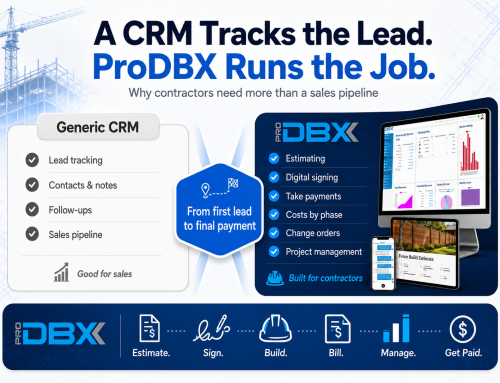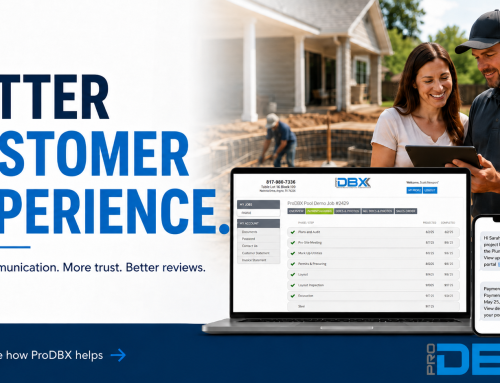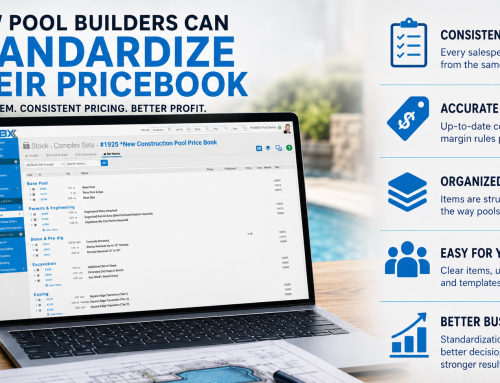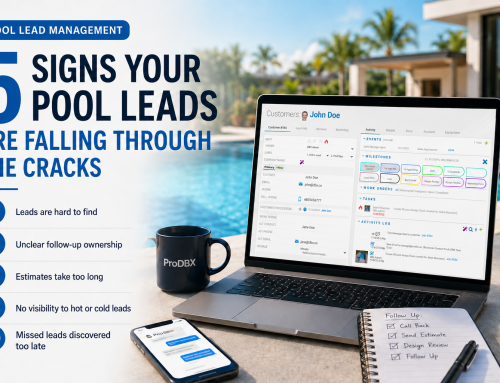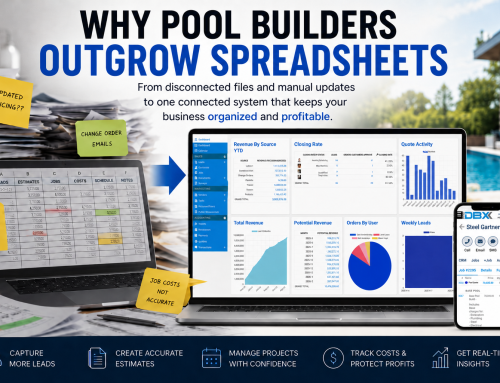
Digital estimates and digital contracts eliminate repetitive document work. Instead of rebuilding every proposal in Word or Google Docs, attaching files to emails, manually updating contract terms, and filing signed copies, contractors can generate, update, send, sign, and store documents directly inside ProDBX.
Most builders do not create an estimate only once.
First, they calculate the job. Then they type that same information into Word or Google Docs. Then they format it, save it, attach it to an email, and send it to the customer.
If the estimate becomes a contract, they may have to update the document again, change the terms, resend it, collect a signature, download the signed copy, and figure out where to store it.
That is a lot of administrative work for information your team has already entered.
1. You are entering the same information twice
Building an accurate estimate already takes work.
Your team has to calculate labor, materials, equipment, options, markups, and project costs.
But for many pool builders and fence contractors, finishing the estimate is only the beginning.
Once the pricing is complete, someone still has to open a document template and type everything again.
Customer information gets copied. Job details get copied. Pricing gets copied. Options get copied. Payment terms get copied.
That is duplicate work.
It also creates another opportunity for information to be entered incorrectly.
A price can be mistyped. An option can be missed. An old customer name can remain in the document. The total in the written proposal may not match the actual estimate.
The more times your team has to re-enter information, the more time and accuracy you lose.
2. Manual contracts create unnecessary risk
Contracts are not documents you want your team building from memory.
Yet many contractors still open an old contract, click “Save As,” and start replacing customer information by hand.
That process may seem simple, but it creates several problems.
Even small errors can create confusion.
The customer may question the price. Your office may have to recreate the document. The sales representative may have to explain why the contract does not match the proposal.
A standardized digital contract template gives your company a more consistent process.
Your approved language stays in place while the job-specific information populates automatically.
3. Every attachment adds another step
Once a manual estimate is written, it still has to reach the customer.
That usually means saving the document as a PDF, finding the correct file, creating an email, attaching the PDF, writing a message, and sending it.
If the attachment is wrong, missing, or outdated, the process starts again.
The estimate may be finished, but it is not helping you win the job until the customer can review it.
Speed matters when a homeowner or commercial customer is comparing contractors.
A company that sends a professional estimate quickly appears organized and responsive.
A company that takes several days to write, format, and email a document gives competitors more time to get in front of the customer.
Removing unnecessary document steps can help shorten the time between pricing the job and presenting it.
4. Signed documents should not disappear into folders
The customer signs the contract.
Now what?
With a manual process, someone may have to download the signed document, rename it, create a folder, upload the file, and make sure everyone knows where it was saved.
Some businesses still keep physical copies in filing cabinets.
Others have enormous folder structures with customer names, job names, document types, and multiple versions of the same contract.
The signed contract may be in someone’s email, on a desktop, inside a downloads folder, in cloud storage, or printed in an office cabinet.
That makes important information harder to find.
Your sales team, project manager, office staff, and company owner should not have to search through unrelated folders to find the agreement for a job.
The signed document should be connected directly to the customer and project it belongs to.
5. Revisions and change orders become version-control problems
Construction projects change.
A homeowner upgrades equipment. A fence customer adds another gate. Materials change. Quantities are adjusted. A new option is selected.
When estimates and contracts are handled through static files, each update can create another version.
- Estimate-final.pdf
- Estimate-final-revised.pdf
- Estimate-final-revised-2.pdf
- Contract-updated.pdf
- Contract-updated-signed.pdf
Before long, no one is completely sure which file is current.
The customer may be looking at one version while your team is working from another.
That can create disagreements about pricing, selections, scope, and approval.
A live digital estimate gives everyone a clearer path to the latest information.
Build the template once. Let ProDBX handle the repetitive work.
ProDBX helps pool builders and fence contractors create a faster digital estimating and contract process. Your company builds its document templates once, and ProDBX uses the information from each job to automatically populate professional estimates and contracts.
Benefit 1
Create your templates once
Your company can build standardized estimate and contract templates with your preferred wording, terms, formatting, and project information. Your team does not have to recreate the document for every customer.
Benefit 2
Automatically populate job details
When you build an estimate in ProDBX, the customer, job, pricing, selections, and other relevant information can populate into your estimate or contract document automatically.
Benefit 3
Collect digital signatures
Customers can review and approve documents digitally. Your sales team does not have to print documents, coordinate in-person signatures, or wait for scanned copies to come back.
Benefit 4
Save signed copies automatically
After the customer signs, the approved document is automatically saved to the customer record. Your team can find it with the rest of the customer and job information instead of searching through filing cabinets or computer folders.
Benefit 5
Make live updates before approval
When an unapproved estimate needs to change, your team can update it in ProDBX. The customer can refresh the estimate page to see the latest pricing and project information without waiting for another attachment.
Benefit 6
Handle change orders more efficiently
Project changes can be documented within the same connected system. This helps your team keep pricing, approvals, customer communication, and job records more organized.
What does the digital estimating process look like?
A faster process does not need to be complicated.
Faster documents create a better customer experience
Digital estimates are not only about saving office time.
They also make the sales process easier for the customer.
The customer receives a professional document sooner. They can review it digitally. Updates are easier to communicate. The approval process is clearer. Signed documents do not get lost.
That organization can help your company appear more prepared before the project even begins.
Your estimate and contract process is one of the first examples customers see of how your company operates.
If the sales process is slow, scattered, and filled with outdated attachments, the customer may wonder whether the construction process will feel the same way.
If the process is fast, organized, and easy to understand, it can help build confidence.
Stop treating every estimate like a brand-new document
Your team should not have to rebuild the same document every time you quote a project.
You should not have to manually copy pricing into a proposal, attach it to an email, update contract terms one customer at a time, and create a new folder every time someone signs.
Build the process once.
Use your estimate data to populate the documents.
Let customers review and sign digitally.
Keep the approved contract connected to the customer record.
That is what a modern digital estimating and contract process should look like.
Ready to stop rebuilding every estimate?
See how ProDBX helps pool builders and fence contractors create, update, sign, and store estimates and contracts in one connected system.
Schedule a DemoFrequently Asked Questions
What is a digital estimate?
A digital estimate is an electronic proposal that customers can review online. It can include job details, pricing, options, terms, and digital approval without requiring the contractor to print or manually assemble a document.
What is a digital contract?
A digital contract is an electronic agreement that can be reviewed and signed online. Once approved, the signed document can be stored electronically with the corresponding customer and project records.
How do digital estimates save contractors time?
Digital estimates save time by using information already entered into the estimating system. Contractors do not have to retype job details into Word or Google Docs, format a separate proposal, save a PDF, and manually attach it to an email.
Can customers sign ProDBX contracts electronically?
Yes. ProDBX can generate digital documents that customers can review and sign electronically. The completed document is then saved with the customer record.
What happens when an estimate needs to be updated?
An unapproved estimate can be updated inside ProDBX. The customer can refresh the estimate page to view the latest changes instead of waiting for the contractor to create and send another attachment.
Where are signed contracts stored in ProDBX?
Once the customer signs, the completed document is automatically stored with the customer record. This keeps the contract connected to the customer and easier for authorized team members to locate.
Is ProDBX designed for construction contractors?
Yes. ProDBX is specialized business management software for pool builders, fence contractors, and backyard construction companies. It connects estimating, contracts, customer records, project management, scheduling, communication, and job costing in one system.