
Integrated Payments
Stop Managing Payments in a Separate Workflow
Your customers, estimates, contracts, projects, invoices, and payment information should not live in disconnected systems.
Sound Familiar?
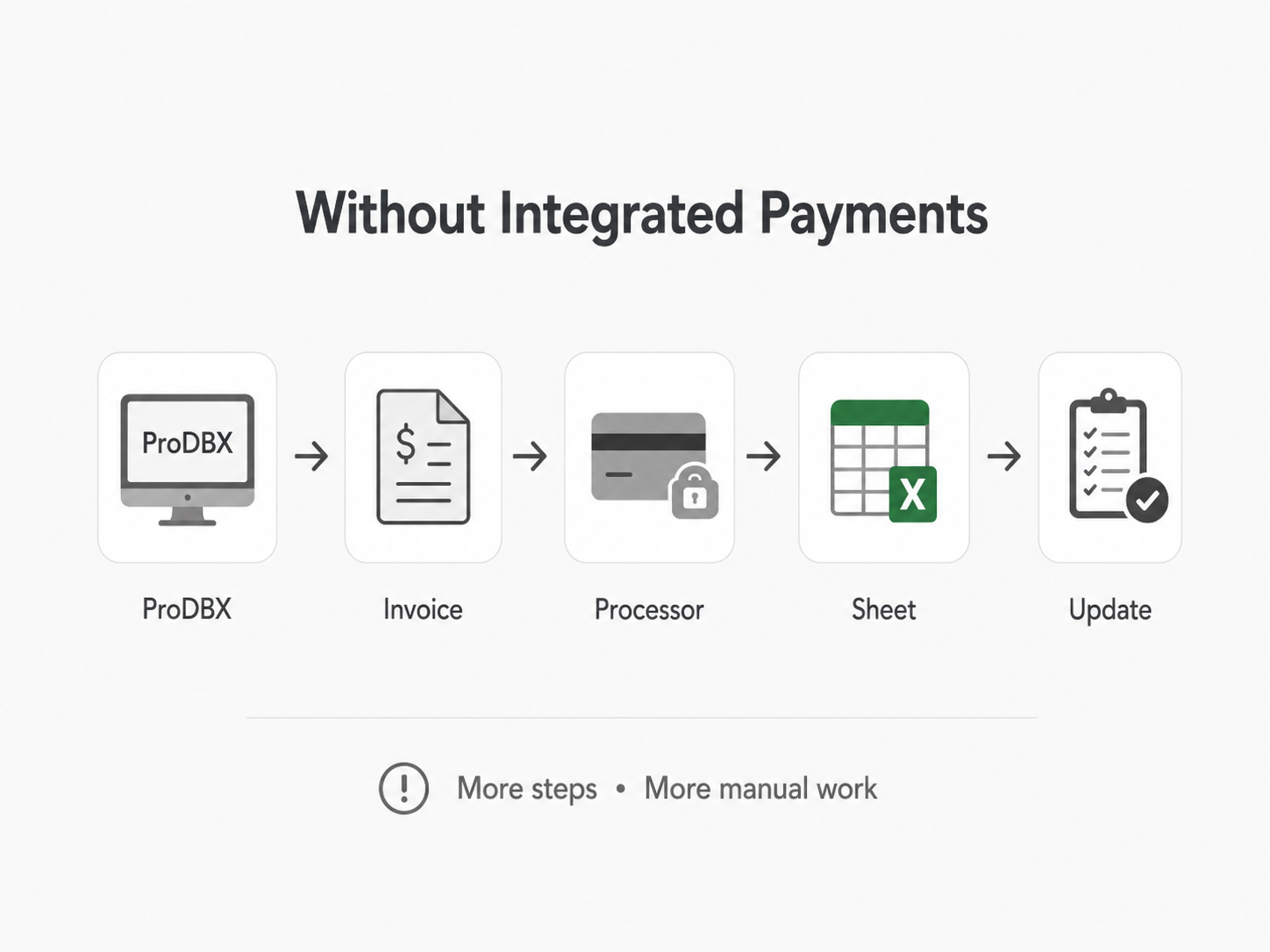
You create an invoice in one system, then generate a payment link somewhere else. You manually tell the project team that a payment was received, then you update customer or job records by hand. Finally, you search through multiple platforms to determine what is still owed
From Invoice to Payment in Four Steps
Keep the payment process inside the workflow your employees already use.
Payment is Due
A job is complete, or a progress payment becomes due
Send the Invoice
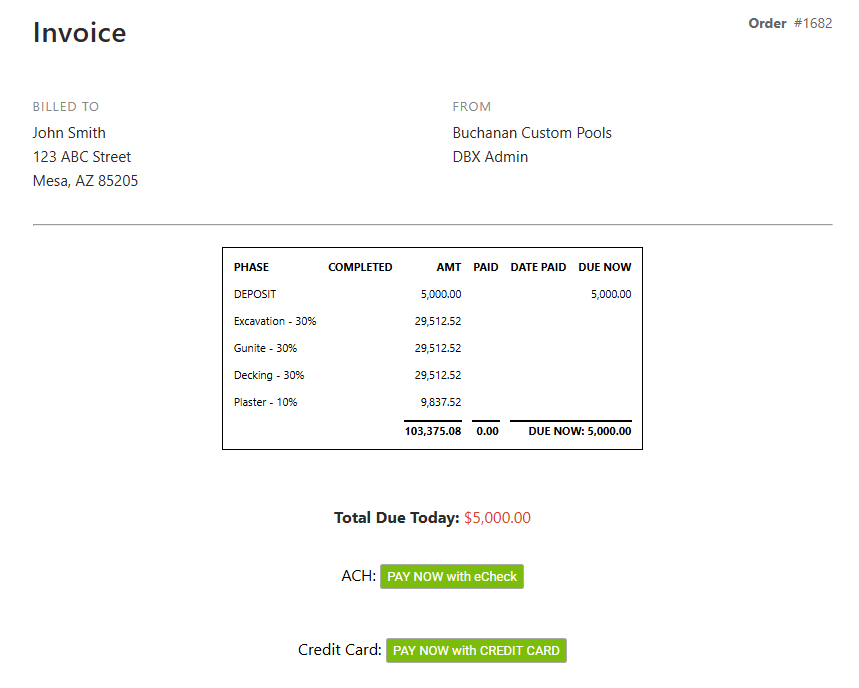
Send the customer the invoice and available electronic payment options.
Customer Pays
The customer selects an available ACH or credit card payment method.
Track the Activity
Keep the payment workflow connected to the appropriate customer and job.
Accept ACH and Credit Card Payments
Give customers convenient electronic payment options without creating an entirely separate billing process.
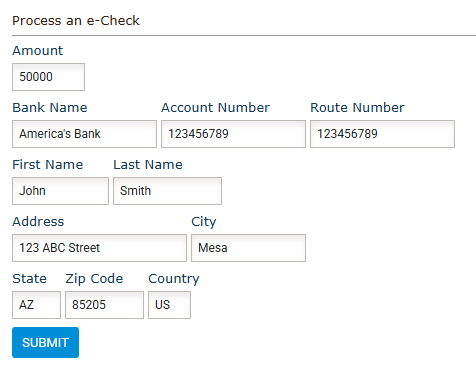
ACH Payments
- Allow customers to pay directly from their bank account.
- ACH can be especially helpful for larger deposits, construction draws, progress payments, and final project balances.
Credit and Debit Card Payments
- Give customers a fast and familiar way to pay invoices using an eligible credit or debit card.
- Available payment methods depend on the services enabled through the connected payment processor.
Project Payment Schedule
Johnson Backyard Project
Collect Payments Based on How the Job Is Actually Billed
Contractors often collect several payments throughout a project—not one basic transaction at the end. ProDBX helps keep those requests connected to the customer and the work being performed.